It won't play for me. I pressed the play button, but nothing happened; I clicked several times and gave up. I use Brave; maybe it's ad-blocking by mistake?
I think I may have figured it out. It might not be on my end. The key is that you saw a play button. That means youtube rendered. I've seen similar errors myself while on actual youtube. If you are seeing the same thing I saw, it will randomly decide a video won't play for you. Does it show a youtube error message? It might be a brave+youtube thing. For that bug, it did seem to clear for me if I waited long enough, and opened it into a different tab. Because of youtube's PWA (progressive web app), refreshing a page isn't really refreshing.
 Log in



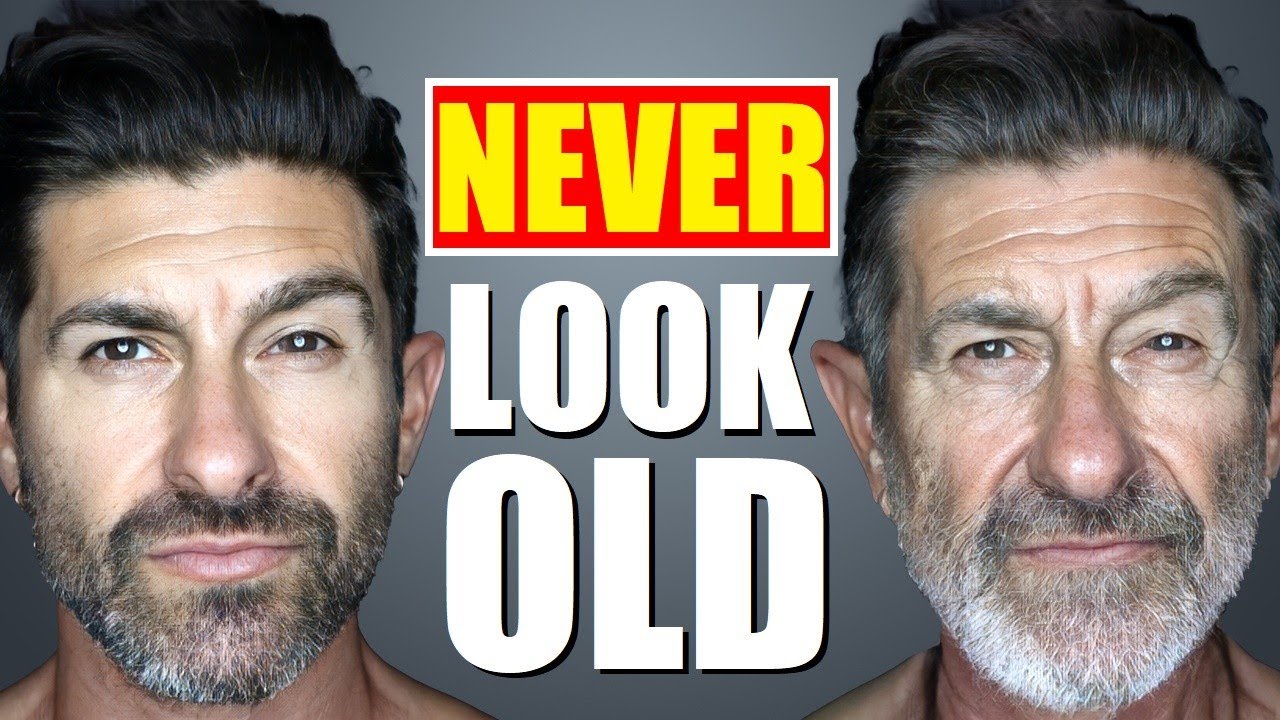

The end was interesting. Behavior is half your appearance.
It won't play for me. I pressed the play button, but nothing happened; I clicked several times and gave up. I use Brave; maybe it's ad-blocking by mistake?
This is good to know. I am also using brave and it is playing. And I have shields up and everything.
It's just a youtube embed. https://youtube.com/watch?v=9hskRd9yNDE
I'm not disbelieving you. Did anyone else have this issue? Are you on mobile brave or desktop?
Windows 11 64-bit Brave, updated to the newest version of Brave and all Windows Updates done.
I think I may have figured it out. It might not be on my end. The key is that you saw a play button. That means youtube rendered. I've seen similar errors myself while on actual youtube. If you are seeing the same thing I saw, it will randomly decide a video won't play for you. Does it show a youtube error message? It might be a brave+youtube thing. For that bug, it did seem to clear for me if I waited long enough, and opened it into a different tab. Because of youtube's PWA (progressive web app), refreshing a page isn't really refreshing.